Hide HUD button (F6) not hiding waypoint markers or crop info
1
votes
• Build Version: v0.1.0-alpha.19629
• Description: After hiding the HUD with F6, certain HUD/UI elements remain including the crop info and waypoint markers. Waypoint markers also do not behave normally, as they will stay on screen where they were at the time F6 was pressed, or if they're not on screen at the time they won't appear when looking at the source of the waypoint marker.
• Reproduction Steps: Press F6 and look at crops, or look at the source of a waypoint marker such as the bed or a quest objective.
• Reproduction Rate: 100%
• Expected Behavior: All HUD and UI elements should toggle on/off with the F6 button.
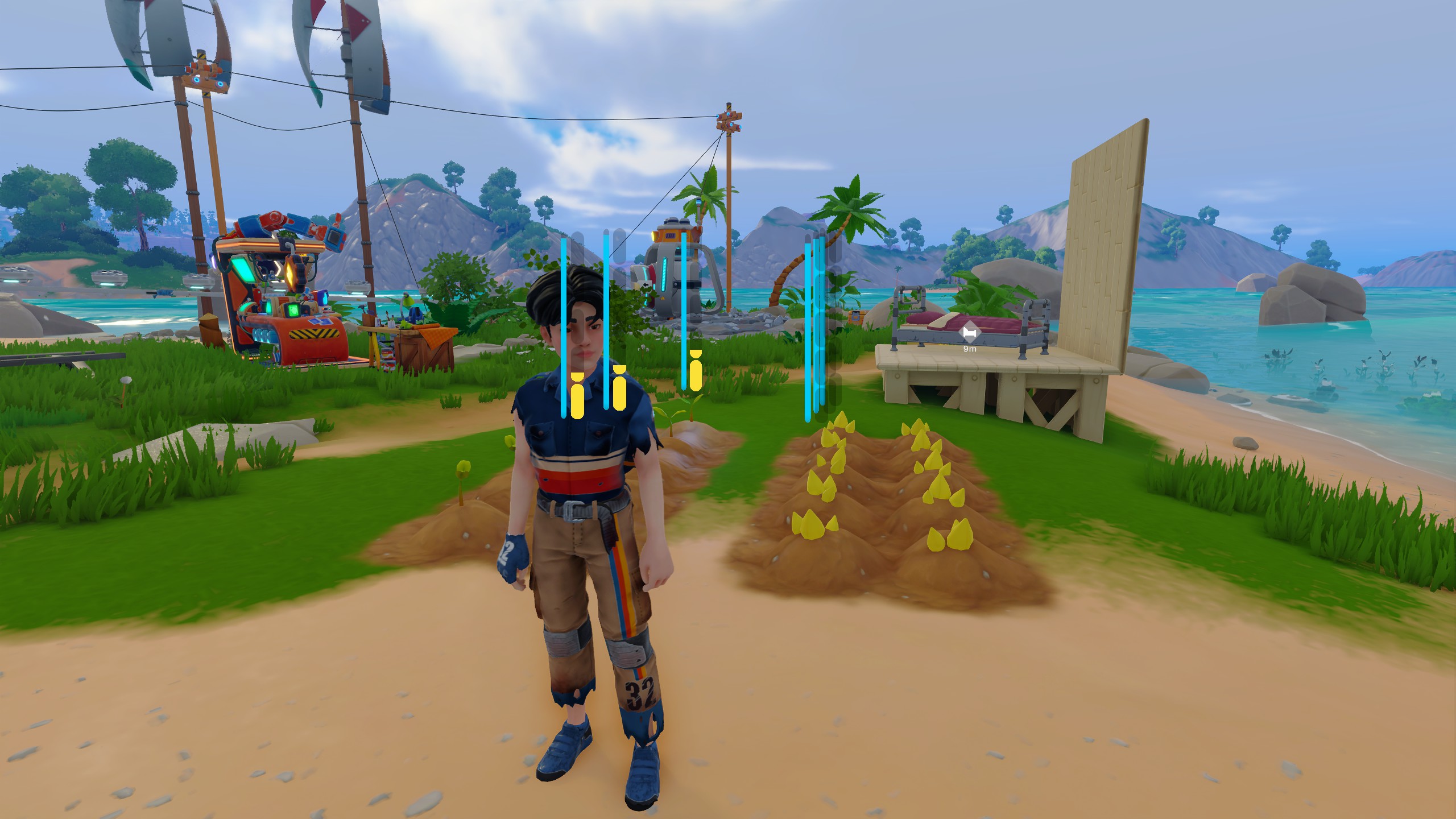 20251213133505_1_jt2awn.jpg
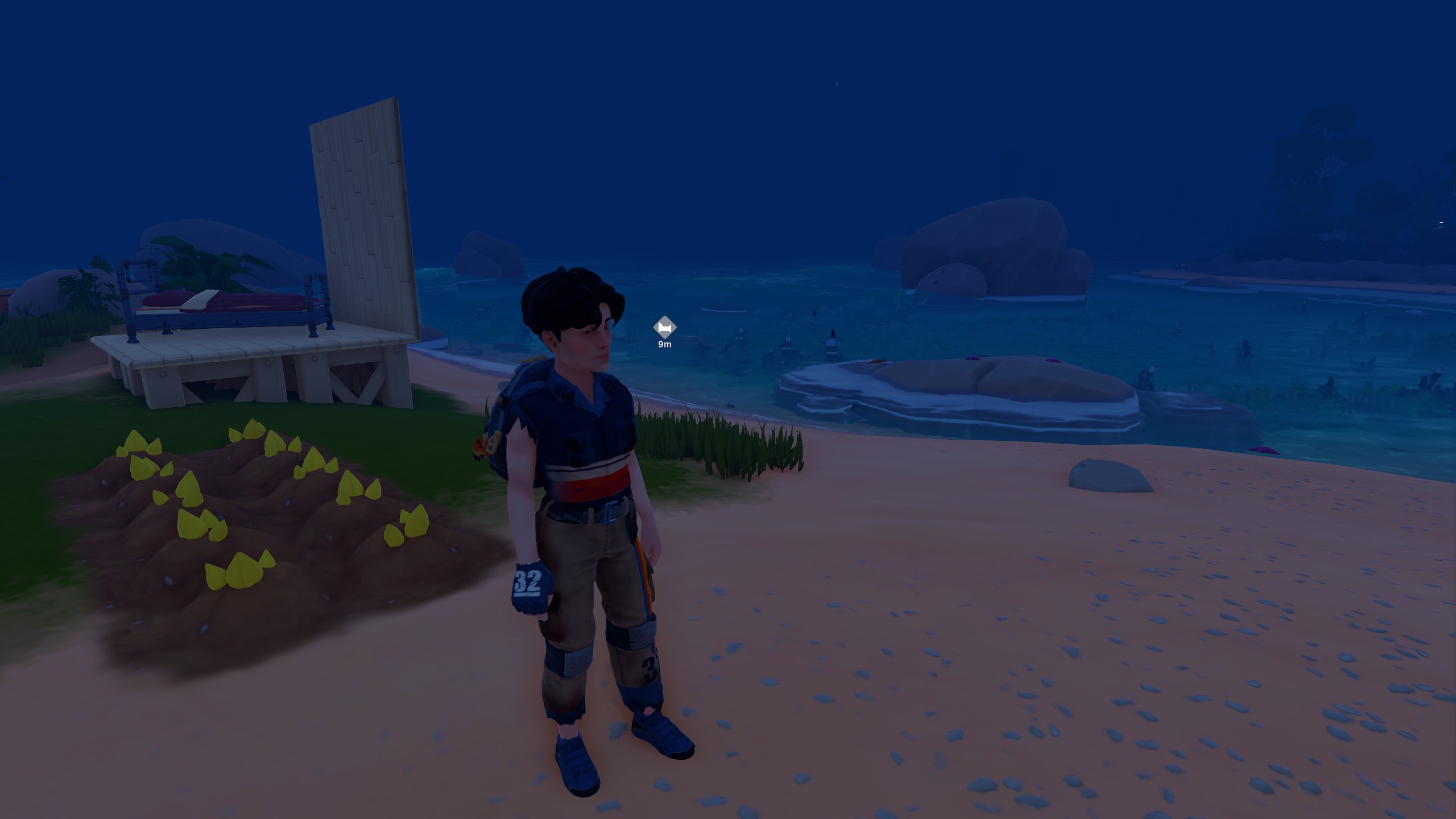 20251213134342_1_ncfwy0.jpg
Known Issue
Confirmed Repro Steps
Low Priority Issue
UI
Suggested by:
Twinminds
•
Upvoted: 13 Dec, '25
•
Comments: 0